On-device payments
Keep the checkout inside the app for a fast card-present flow with a polished customer experience.
PAYMENT INTEGRATION PLATFORM
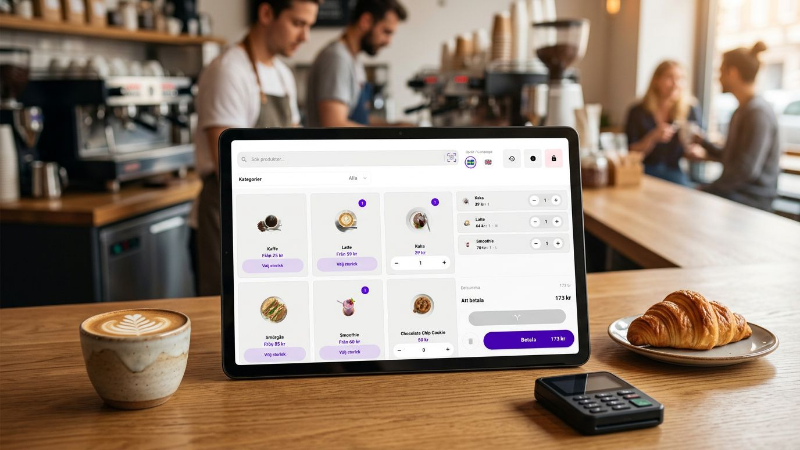
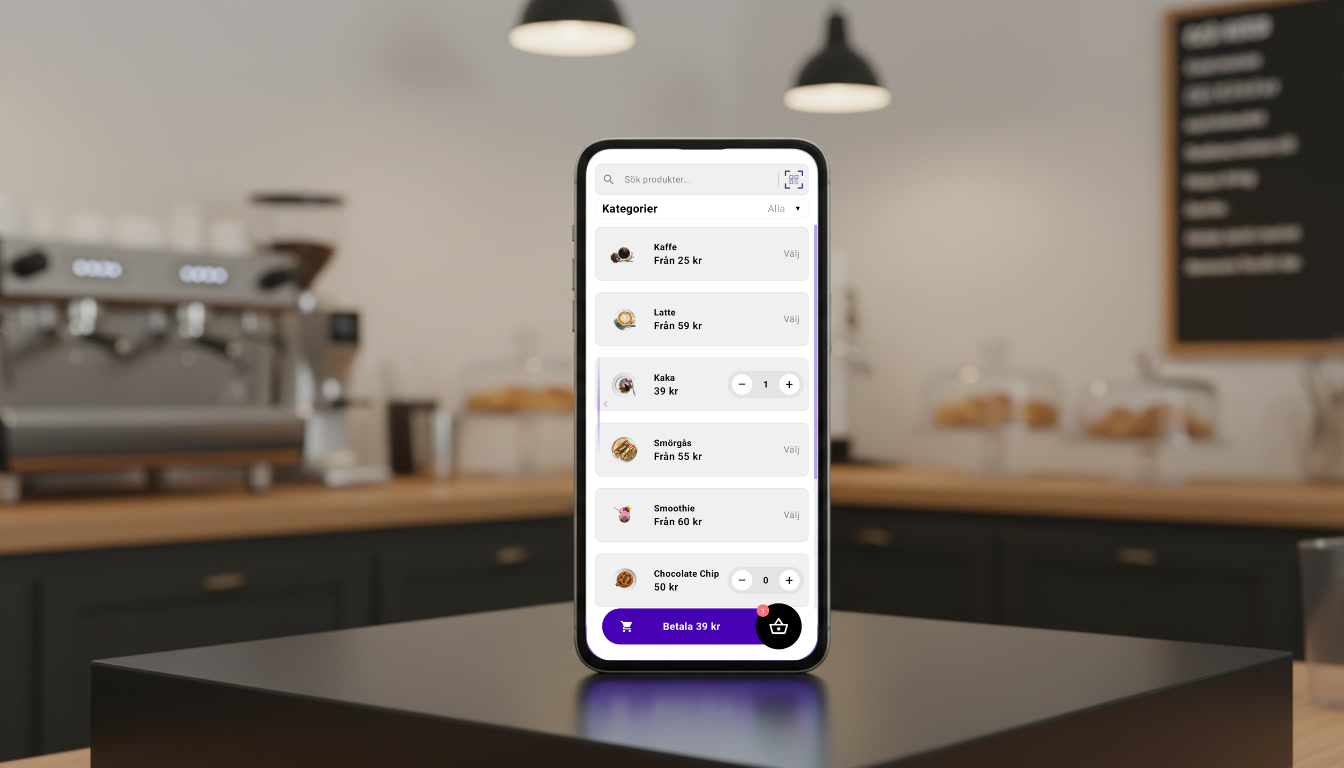
We present a Point of Sale (POS) application developed in Kotlin for the Android operating system. The system is available in two versions: an on-device version, which is installed directly on an Android-based payment terminal with a touchscreen, and an off-device version, which runs on a larger external display, such as an iPad, and connects to a payment terminal.

WHAT IT HELPS WITH
Keep the checkout inside the app for a fast card-present flow with a polished customer experience.
Pair with an external terminal when you need a stable, flexible setup in the field.
Work through a clear SDK structure, Room database, Gradle build, and modular docs.
 Android
 Kotlin
 Compose
 SQLite/Room
 Ktor
Ktor LottieAndroidKotlinComposeSQLite/RoomKtorLottie
HOW TO MOVE FORWARD
Follow the POS app documentation to set up Android Studio, Gradle, and the integration flow.
Use on-device checkout for in-app payments or off-device terminal handling for external processing.
The integration layer is built to be POS-agnostic, allowing any POS application—such as Gardeco—to integrate it directly into its checkout system. It is designed to work seamlessly with the general app architecture, making it easy to extend and deploy across different environments.
NEXT STEP
The app docs start with the intro page and then move into architecture, UI components, and database structure.